Dashboard
The Dashboard is the first screen you see when you open the A&A Suit Customization plugin. It gives you a quick overview of your store's activity and your current license status.
Stat Cards
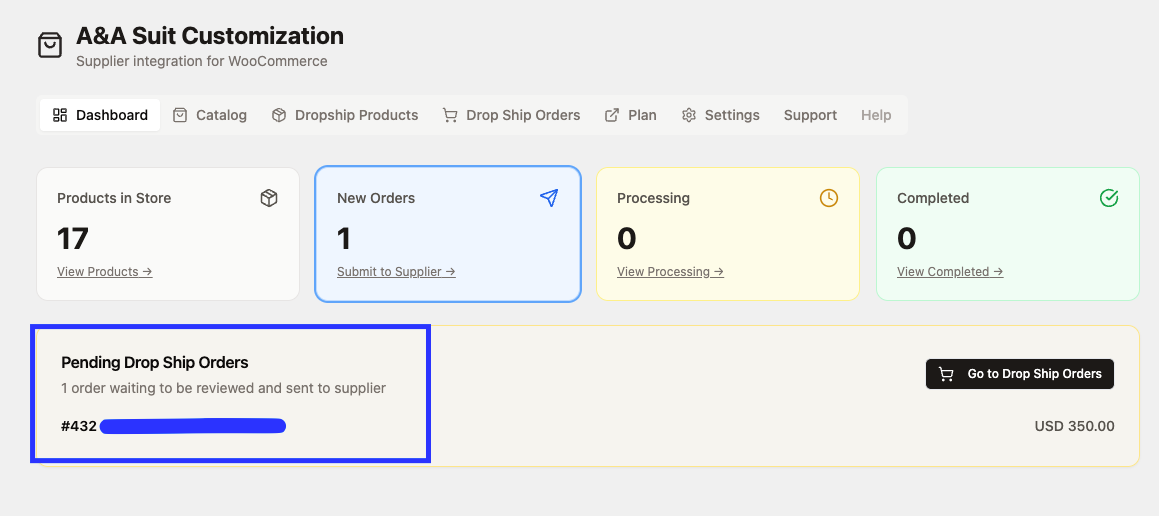
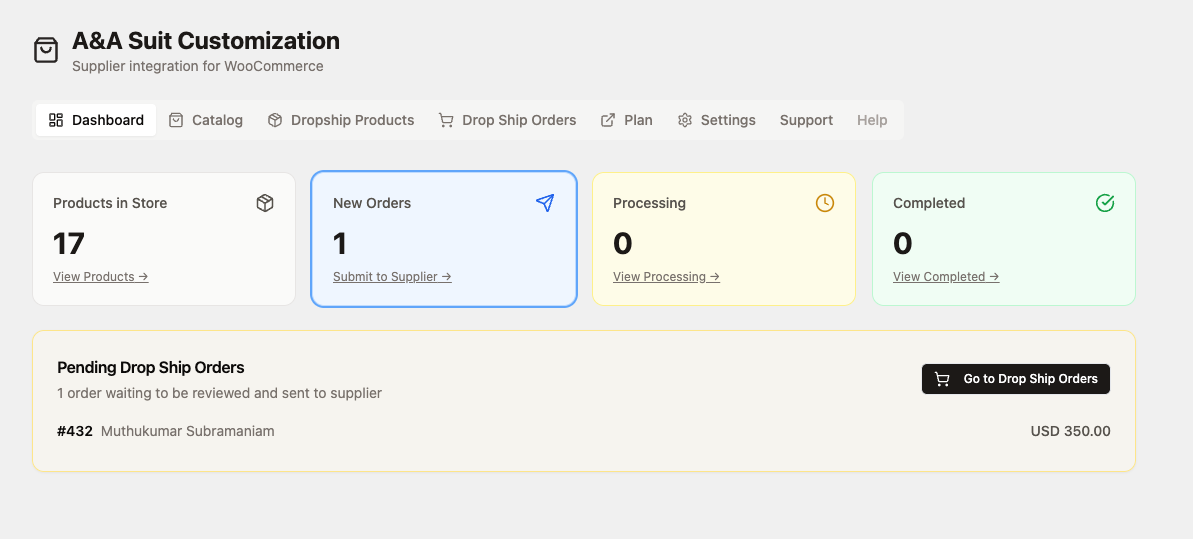
Four cards across the top show live counts. Click any card to jump to the relevant section.
- Products in Store — Total number of drop ship products imported from the A&A supplier catalog into your WooCommerce store.
- New Orders — Drop ship orders placed by customers that have not yet been submitted to the supplier. A blue highlight appears when there are orders waiting.
- Processing — Orders submitted to the supplier and currently being manufactured or shipped.
- Completed — Orders successfully delivered to your customers.
License Activation Banner
If you are on the free plan, an amber banner appears at the top of the Dashboard prompting you to activate your license key.
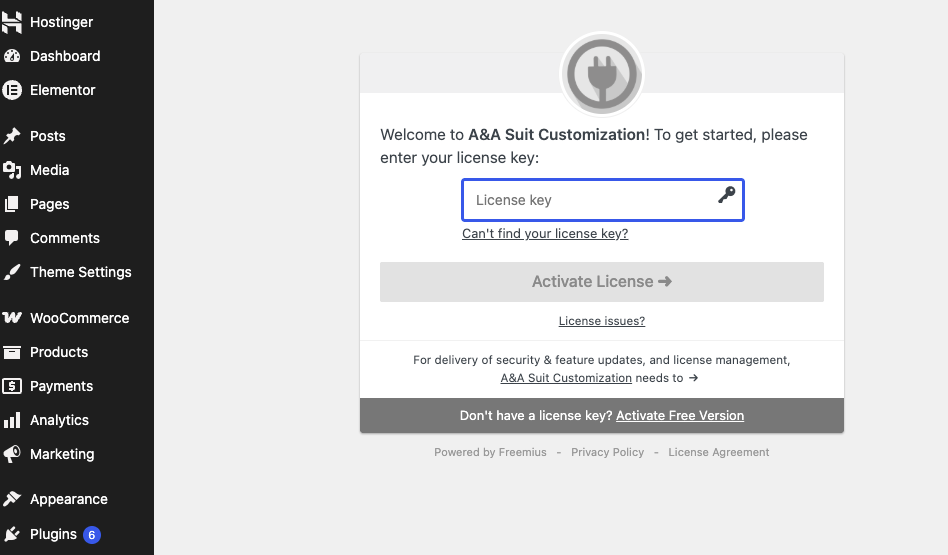
- Paste your license key into the input field.
- Click Activate.
- The page reloads and your plan upgrades to paid — the Catalog tab unlocks and the product limit is removed.
Don't have a license yet? Visit anadistributors.com/aa-suit-customization to purchase a license, or go to the Plan tab to upgrade.
Pending Orders Alert
When new drop ship orders are waiting, a card expands below the stat tiles listing the top 5 pending orders with their order number, customer name, and total. Click Go to Drop Ship Orders to review and submit them.